How do I add a line to the work order?
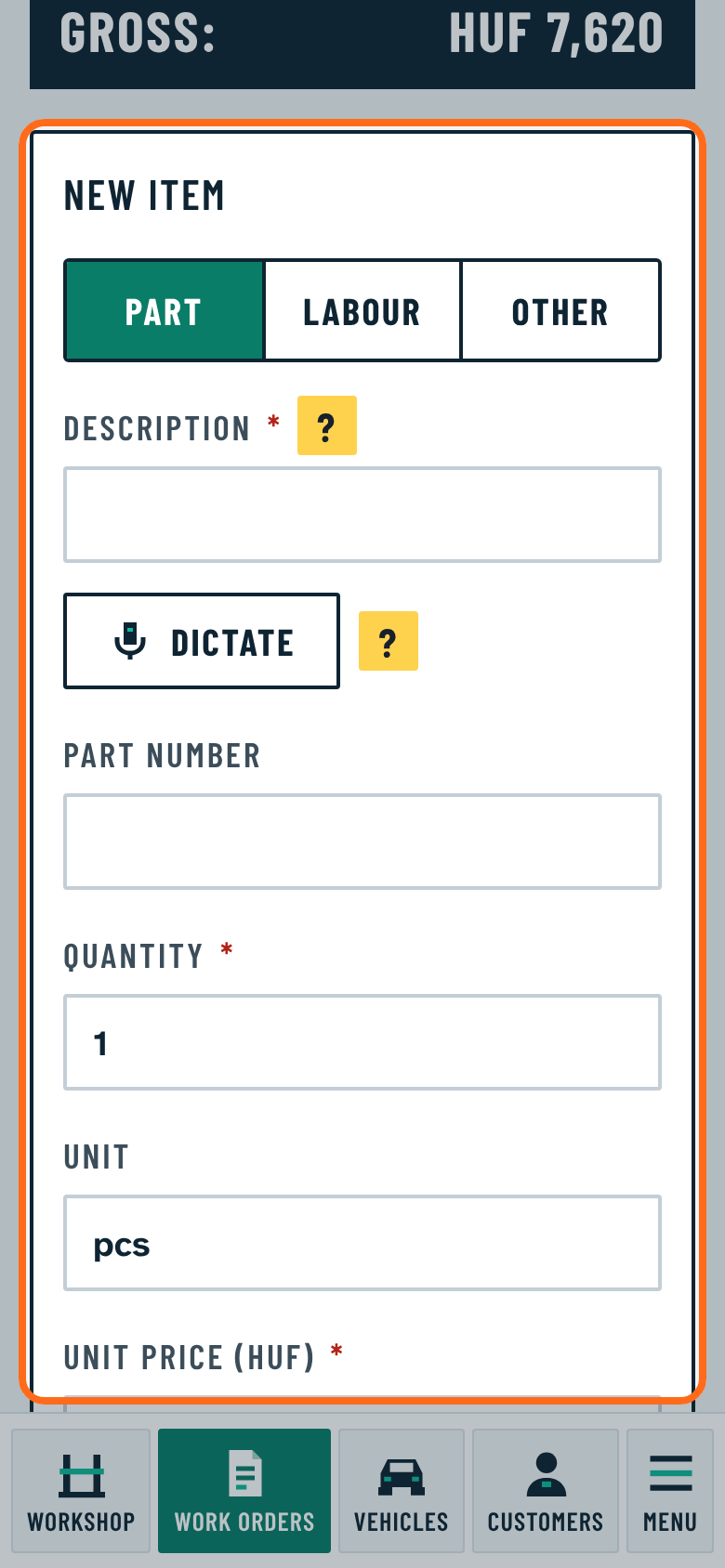
At the bottom of the work order, under New item:
- Choose Part, Labour or Other.
- Type the description. If you used it before, or there is such an article in the inventory, the program offers it with its price.
- Enter the quantity and the unit price. The price can be gross or net; the program calculates the other exactly, VAT per line.
- Press Add item.
While a required field is missing, the button is grey and the program lists what is still missing.