How does the customer pay by card on the phone?
At the counter the customer pays with the workshop's own card acceptance app. Switch on the Card payment on the phone option first (Settings › Options, from the Profi package).
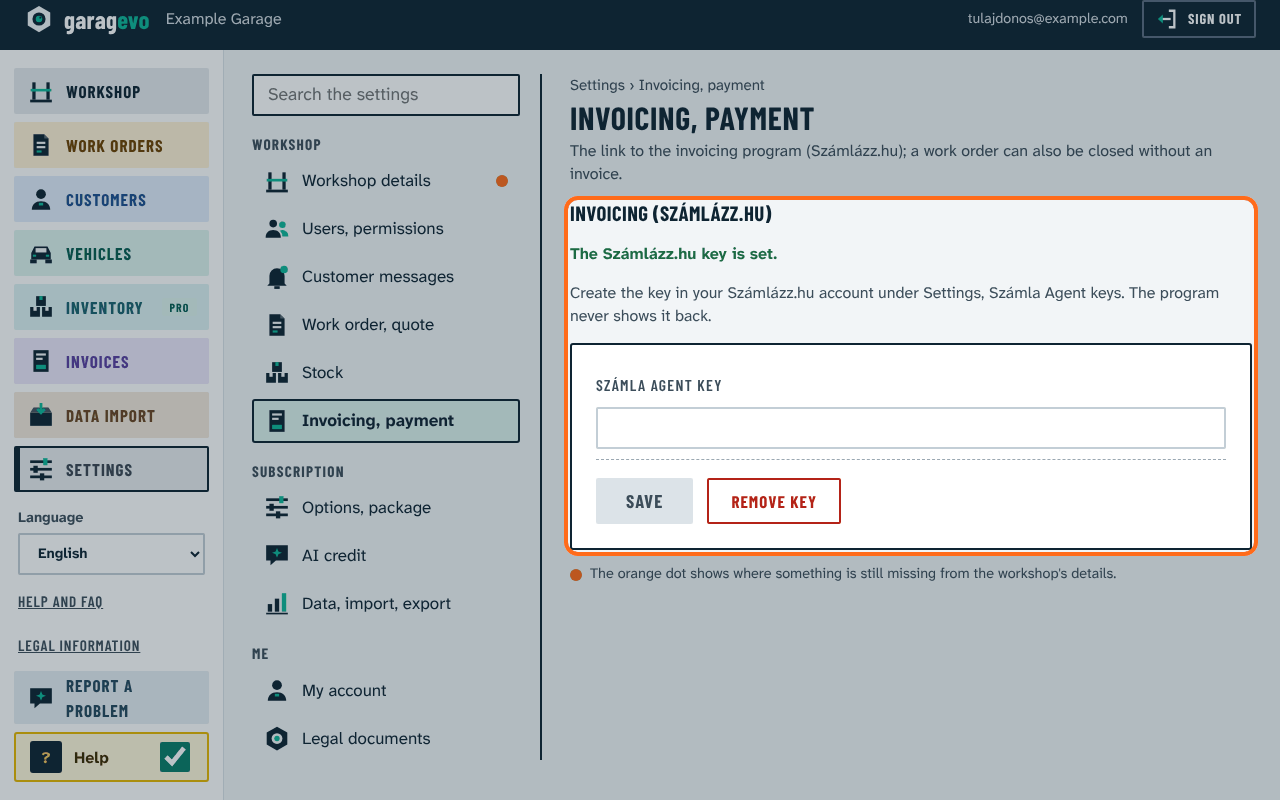
- On the Settings › Invoicing, payment › Card payment tab choose the app: myPOS, SumUp, Viva.com, or Own terminal or bank SoftPOS app (nothing to set). SumUp needs its affiliate key and app ID.
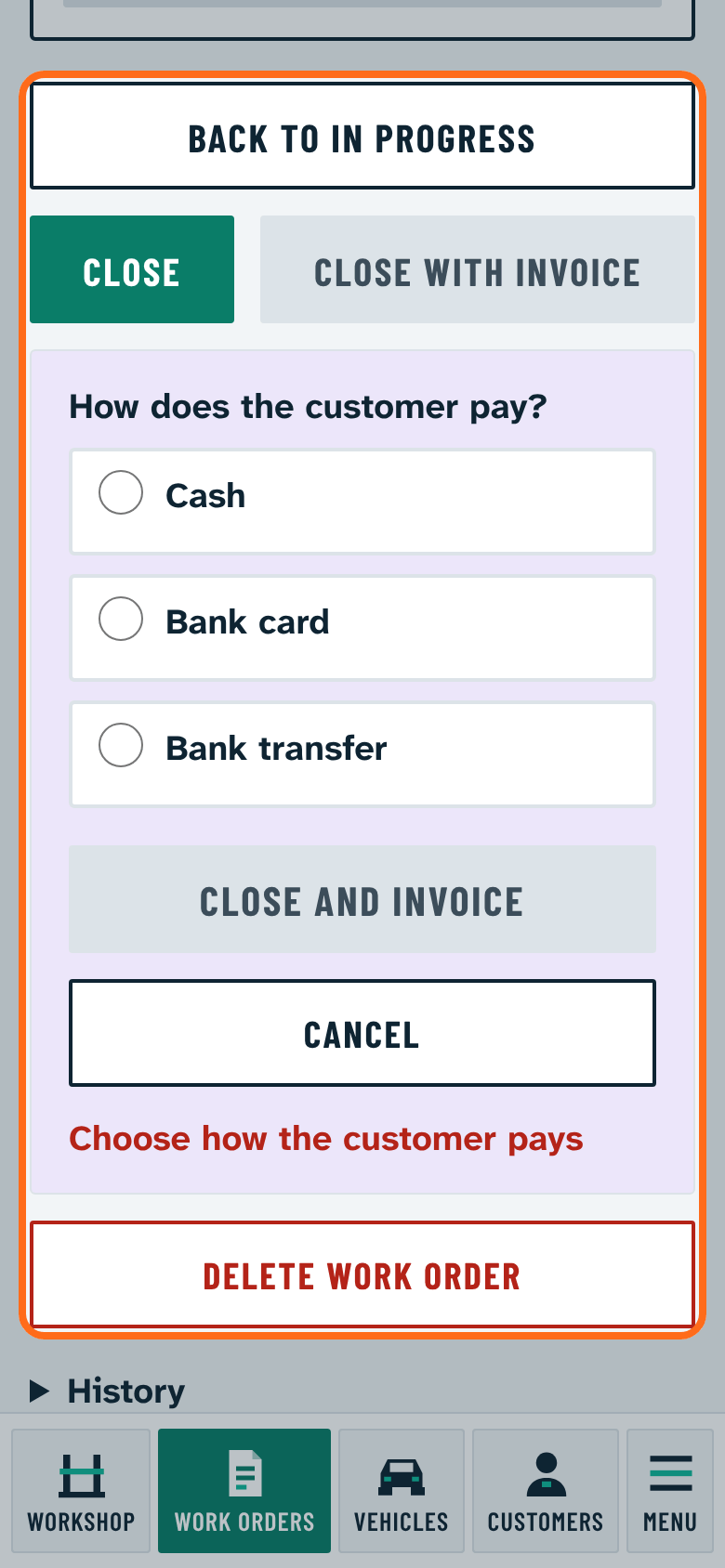
- When closing, choose Close with invoice and the Bank card method (without an invoice: Close with card payment).
- Press Pay on the phone. myPOS Glass opens with the amount and the work order number, SumUp does the same on Android; with the others the program shows the amount big and you take the payment in the app.
- If the card was accepted, press Paid. The invoice follows.
The money goes between the workshop and the provider; Garagevo sees no card data, it only hands over the amount and the work order number. If it failed, press Failed, try again.