Where do I switch on the options?
In Settings › Options, package, on the Options tab. The extra parts of the program appear there as switches, in groups.
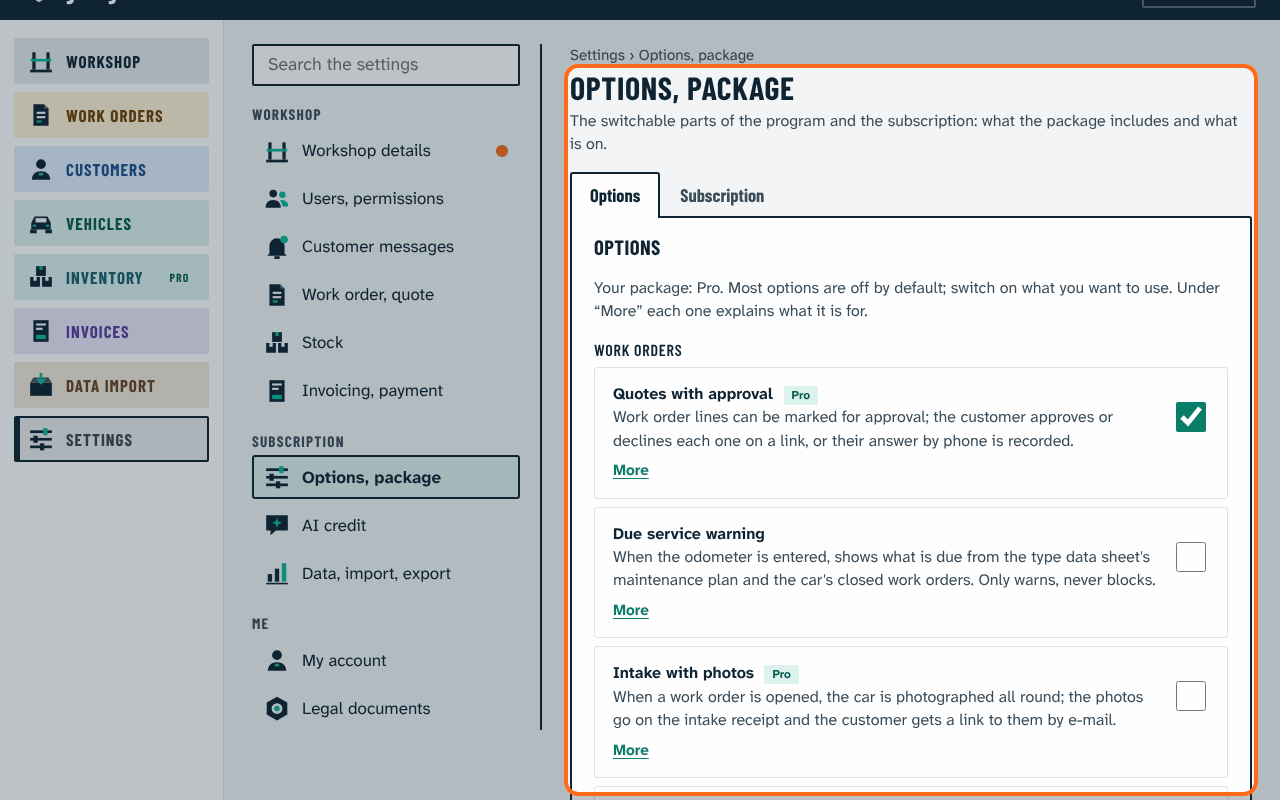
- Each is off by default (except Due service warning, which starts on); the owner switches it on.
- The workshop's package (Basic, Pro, Premium) decides what can be switched on. What is not in the package is grey and shows from which package it is available.
- Not sure what an option is for? Press More under it: a short What is it for? text tells what it does in daily work, gives an example, says what it costs (credits, SMS or nothing), which package has it, and what changes when you switch it off. It works even with the help switched off.