garagevo

What do the Next step column and the summary strip show?

In the Work orders list the Next step column shows in colour what the work order is waiting for. Orange is urgent.
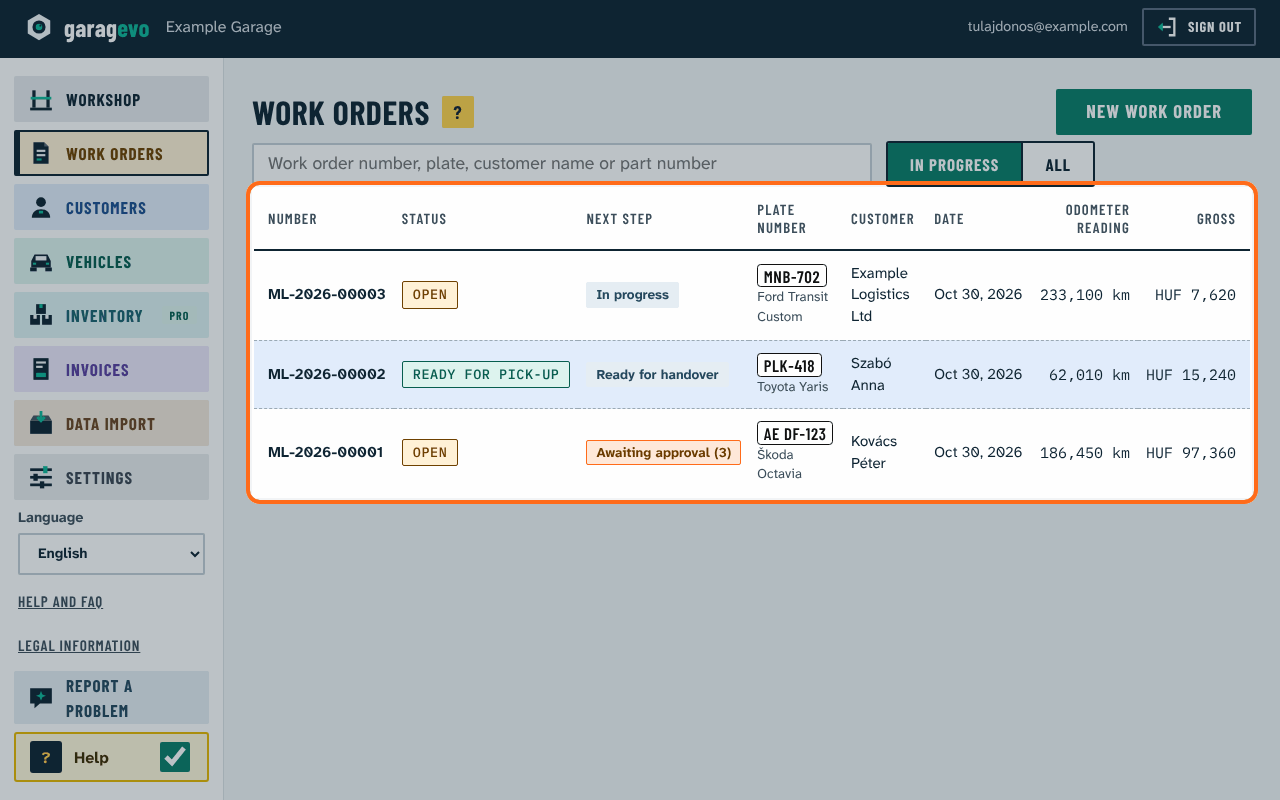
The Next step column in the work order list (example data)
The Next step column in the work order list (example data) · Larger picture: On the computer

Possible next steps: No lines yet, In progress, Overdue (the promised time has passed), Awaiting approval (with the number of lines), Ready for handover, Awaiting transfer, Closed, paid, Closed.

A strip at the top of the work order shows the same, with the number of lines and the total, the state of the quote and the promised time.
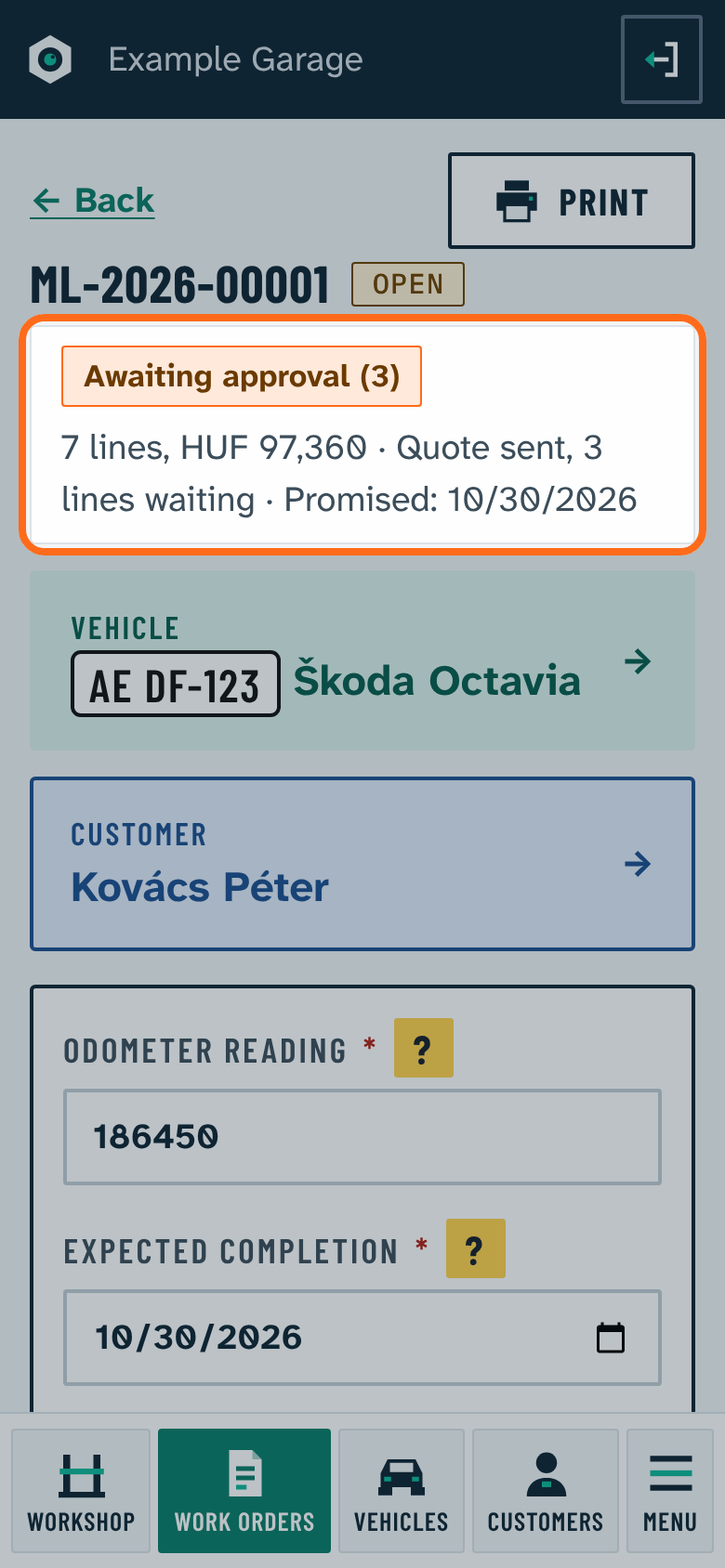
Summary strip at the top of the work order
Summary strip at the top of the work order · Larger picture: On the phone · On the computer

Ask the help

Type your question in your own words. We look for the answer among the help topics and frequent questions, right here in your browser. This is a simple word search, not artificial intelligence.

← Back to help · Frequent questions