How do I mark a car as ready and close the work order?
When the job is finished, press Ready for pick-up. The car moves to the top of the Workshop page, among the finished cars. If more work is needed, it can be set back to in progress.
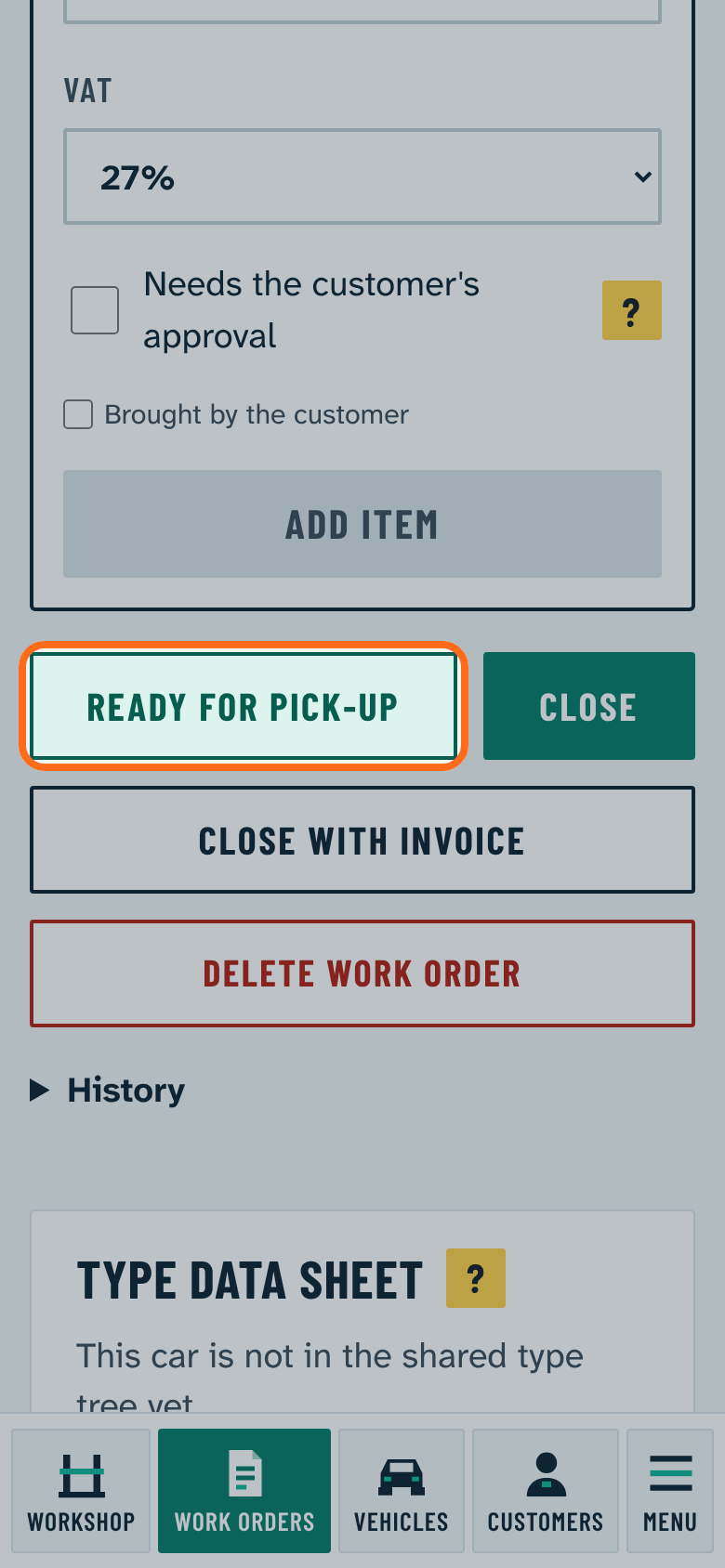
When the customer has taken the car, close the work order: Close closes it without an invoice, Close with invoice also makes an invoice after you choose the payment method. Details: How do I close a work order with or without an invoice?
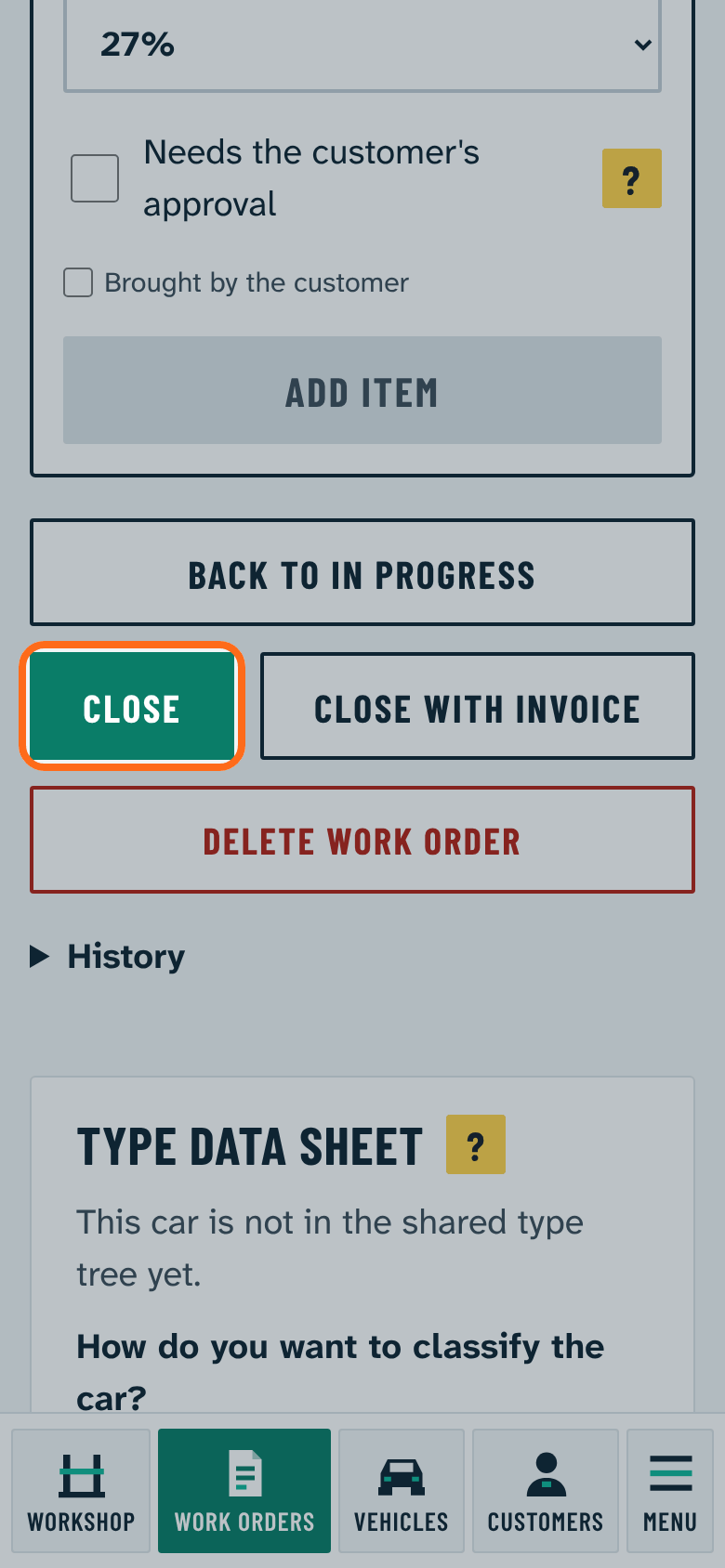
A closed work order cannot be changed. While a line waits for approval the work order cannot be closed: ask for the customer's answer first, or record the answer given by phone.